 Dungeon Diary
Documentation
Quickstart
Two minutes to a working campaign.
1. Make a campaign
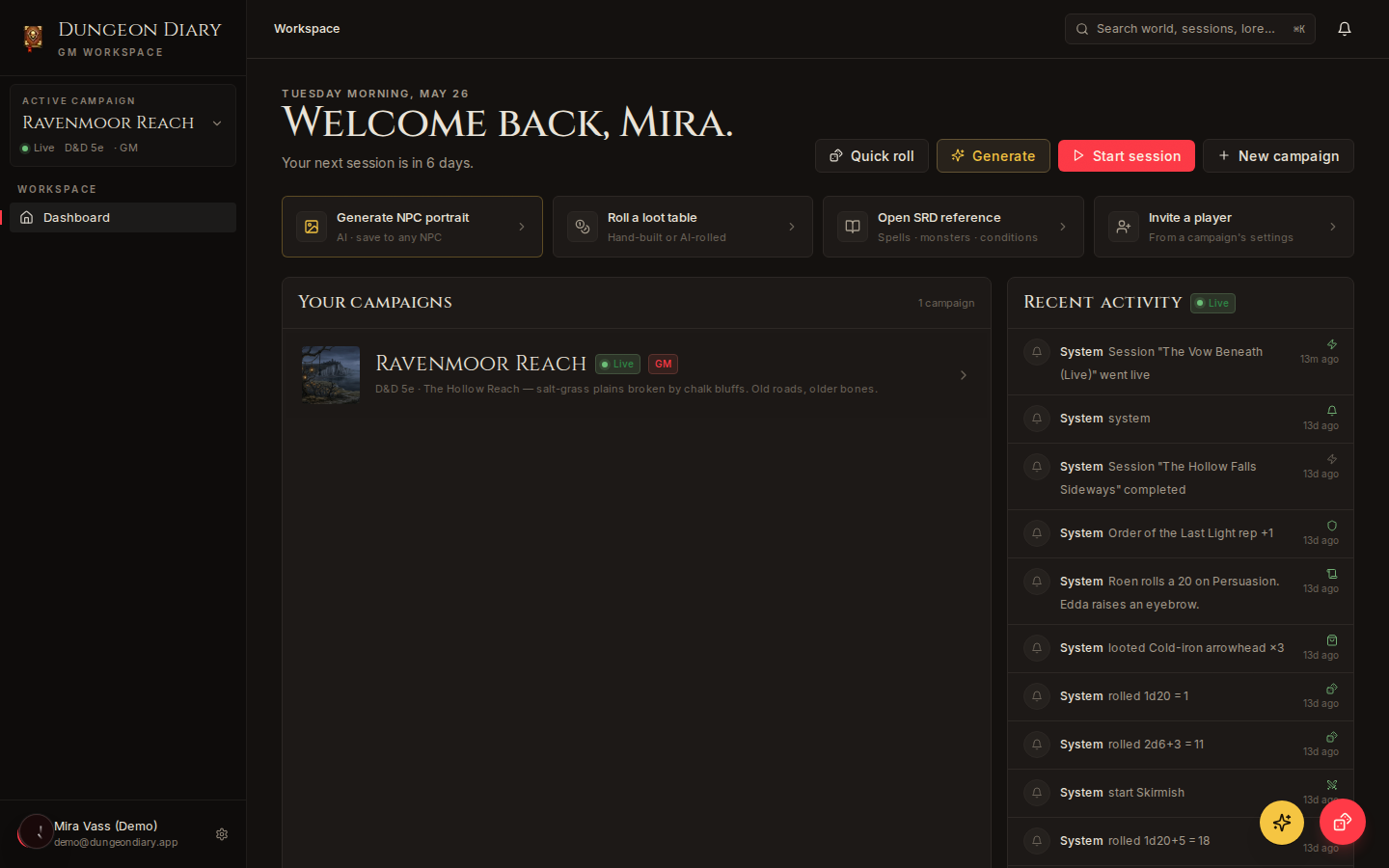
Click New campaign on your dashboard. Give it a name and a system (5e is default). You can change either later.
2. Add your first NPC
Go to World → NPCs → + New. Fill what you know — name, role, settlement. Everything else is optional; partial entries are fine, and you can link them into the rest of your world later.
3. Invite a player
Open Settings → Members, paste an email, send the invite. They get a magic link. You assign them to a character — or leave the seat Unassigned for now.
4. Run a session
Click Start session on your dashboard. Open the combat tracker when you need it. Dice rolls land in the session log.
That's it
The rest of the docs are reference. Come back when you want to know how visibility cascades work, or what the dice notation supports.